On this page 5 sections
Before you leave
Confirm your friend’s exact region and server. A region alone is not enough to identify their world. Decide whether you are changing for one session or starting a new cycle together, and inspect the current game’s confirmation before committing.
| Check | Why it matters |
|---|---|
| Exact destination | Avoid a second mismatch after switching |
| Current assets | The support steps do not promise they transfer |
| Group plan | Everyone needs to agree on the same world |
| Remaining cycle | A new destination is not necessarily a freshly opened server |
Official switching steps
- Open the global map.
- Select the Prison location.
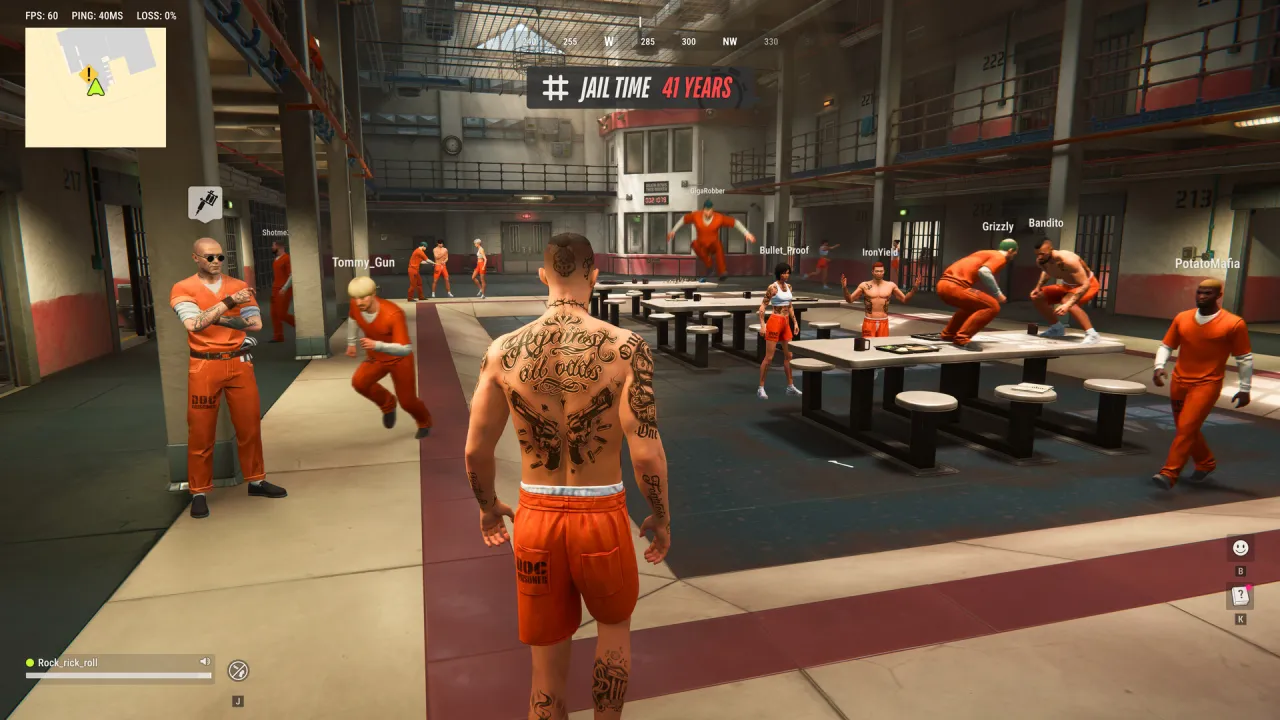
- Choose Surrender to Feds.
- Once inside the Prison, use the server-switch option to select the destination.
- Re-send the party invitation if joining a friend.
These steps come from the official help article for friends on different servers. Menu details can change during Early Access; if an option differs, follow the current client and newest support guidance.
Do not assume assets move with you
The reviewed switching article does not enumerate fees, inventory transfers, bases or retained progression. Wipe carry-over rules describe a Federal Raid, which is a different event. They are not evidence that a server switch preserves the same things.
Before moving an established character, inspect any in-game warning. If the outcome is unclear and the assets matter to you, ask official support rather than relying on a promised transfer that the source does not make.
Can a party invite move me automatically?
The documented mismatch solution requires switching through the Prison and inviting again.
Is the switch free?
The help article does not specify a universal cost. Check the current client.
Will my base be copied to the other server?
No such transfer is promised in the reviewed source. Do not plan around it.
Sources and editorial check
Checked 2026-11-11. This is an independent guide. Game rules can change during Early Access.
- Kefir Support: Friends on different servers
- Kefir: Frequently Asked Questions
- Kefir Support: Federal Raid and wipe