On this page 5 sections
Server help directory
| Task | Guide |
|---|---|
| Check a connection problem | Status and troubleshooting |
| Move to another world | Change server |
| Choose a region | Regions and fresh-server times |
| Resolve a party mismatch | Join friends |
| Estimate a reset | Wipe calculator and carry-over rules |
Region, server and party are separate
A region groups servers geographically. Your exact server identifies the world you and your friends need to share. A party invitation does not by itself move a player into that world. The official support workflow addresses the mismatch through the Prison.
Before a coordinated start, exchange the region and server information, settle on a meeting plan and check the cycle. Doing this before buying or renting property avoids investing in a world your group did not intend to use.
Read timing notices carefully
The November 4 schedule describes fresh-server openings. It is not an outage monitor and does not supply every server’s next Federal Raid timestamp. Additional servers can open outside the planned slots. Use the region guide for the published schedule and the wipe page for an explicitly labeled estimate.
Does this site host game servers?
No. This is an independent reference site.
Can the player total prove my server is online?
No. An aggregate Steam count does not identify a particular game server’s condition.
Where do I report a game issue?
Use the official support center with your error details, region and server information.
Sources and editorial check
Checked 2026-11-11. This is an independent guide. Game rules can change during Early Access.
- Kefir Support: Friends on different servers
- First Changes & Server Schedule — November 4, 2026
- Official ROB RUN Help Center
Related reading
Explore the field guide
4 entries- Servers01
ROB RUN Server Status: Player Count, Errors & Server Times
Check ROB RUN server status with observed Steam players, regional opening times, error-code fixes and a practical network-versus-server troubleshooting flow.
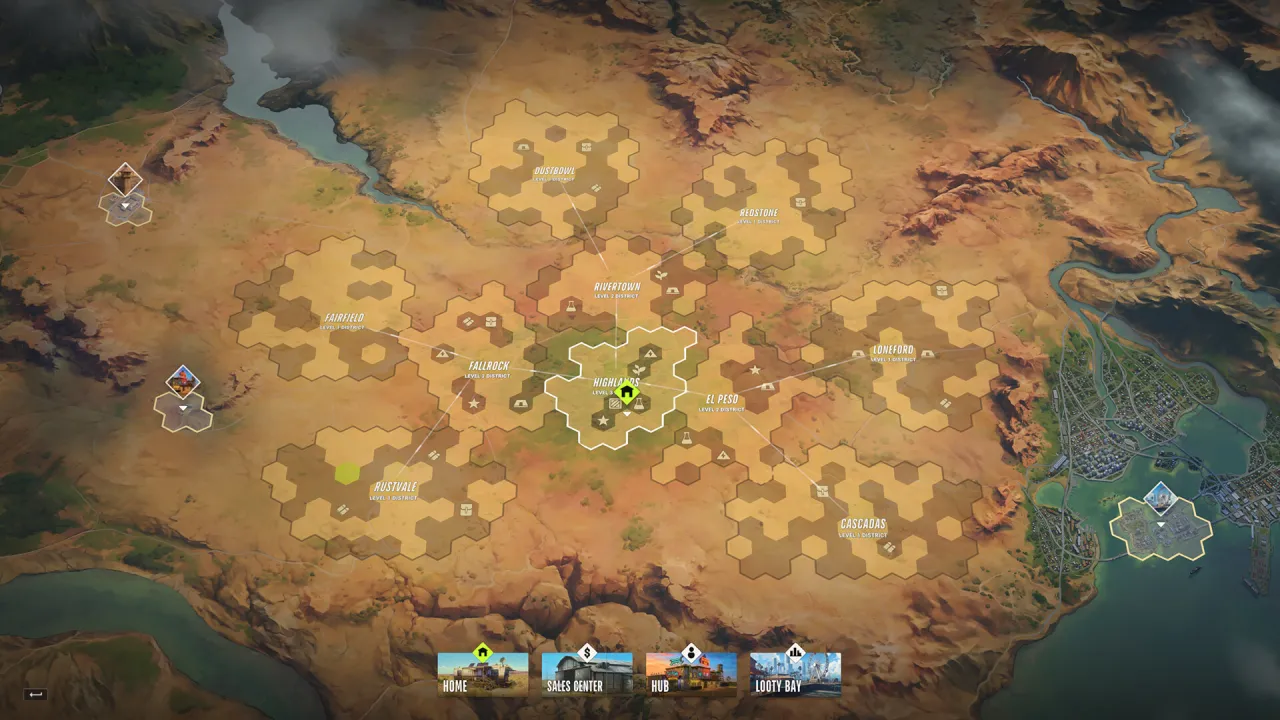
The global map in an official screenshot. It is a reference image, not an interactive or live map.© Kefir · Steam gallery 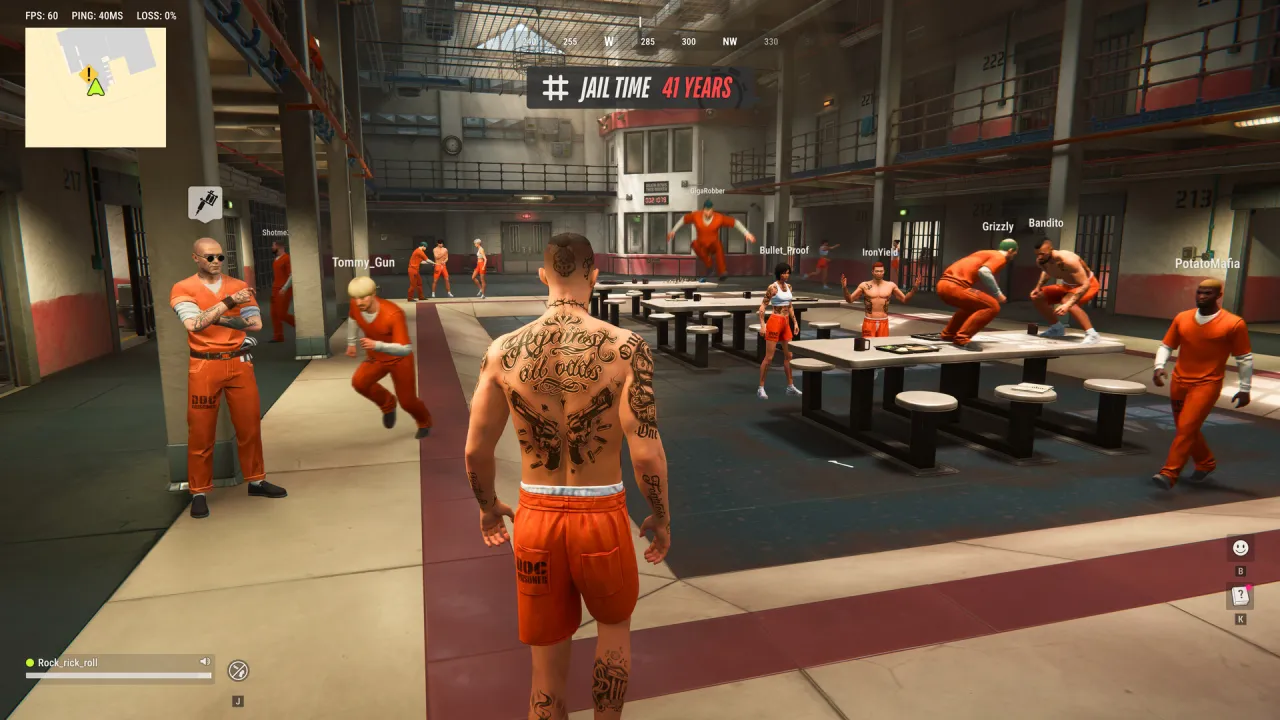 Servers02
How to Change Server in ROB RUN
Follow the official ROB RUN server-switching route through the Prison, resolve a friend’s server mismatch and check progress before moving.
The prison hub in a publisher screenshot; on-screen values are not a live server readout.© Kefir · Steam gallery- Servers03
ROB RUN Server Regions and Fresh-Server Times
See the official ROB RUN EU and East US fresh-server schedule, timezone meaning and the checks to make before choosing a region.
The global map in an official screenshot. It is a reference image, not an interactive or live map.© Kefir · Steam gallery 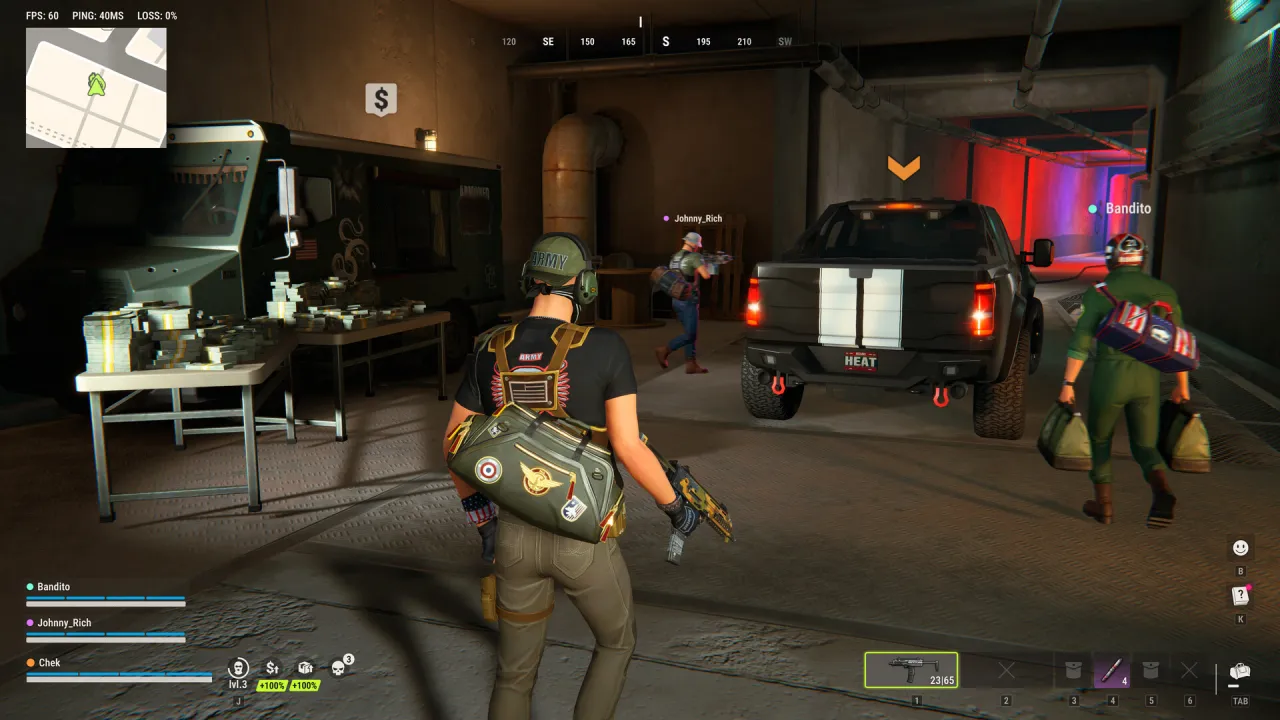 Servers04
How to Join Friends in ROB RUN on the Same Server
Resolve ROB RUN party invitations across different servers, agree on a shared world and prepare a coordinated start without transfer promises.
A crew and loot beside a vehicle, shown in the official Steam gallery.© Kefir · Steam gallery